
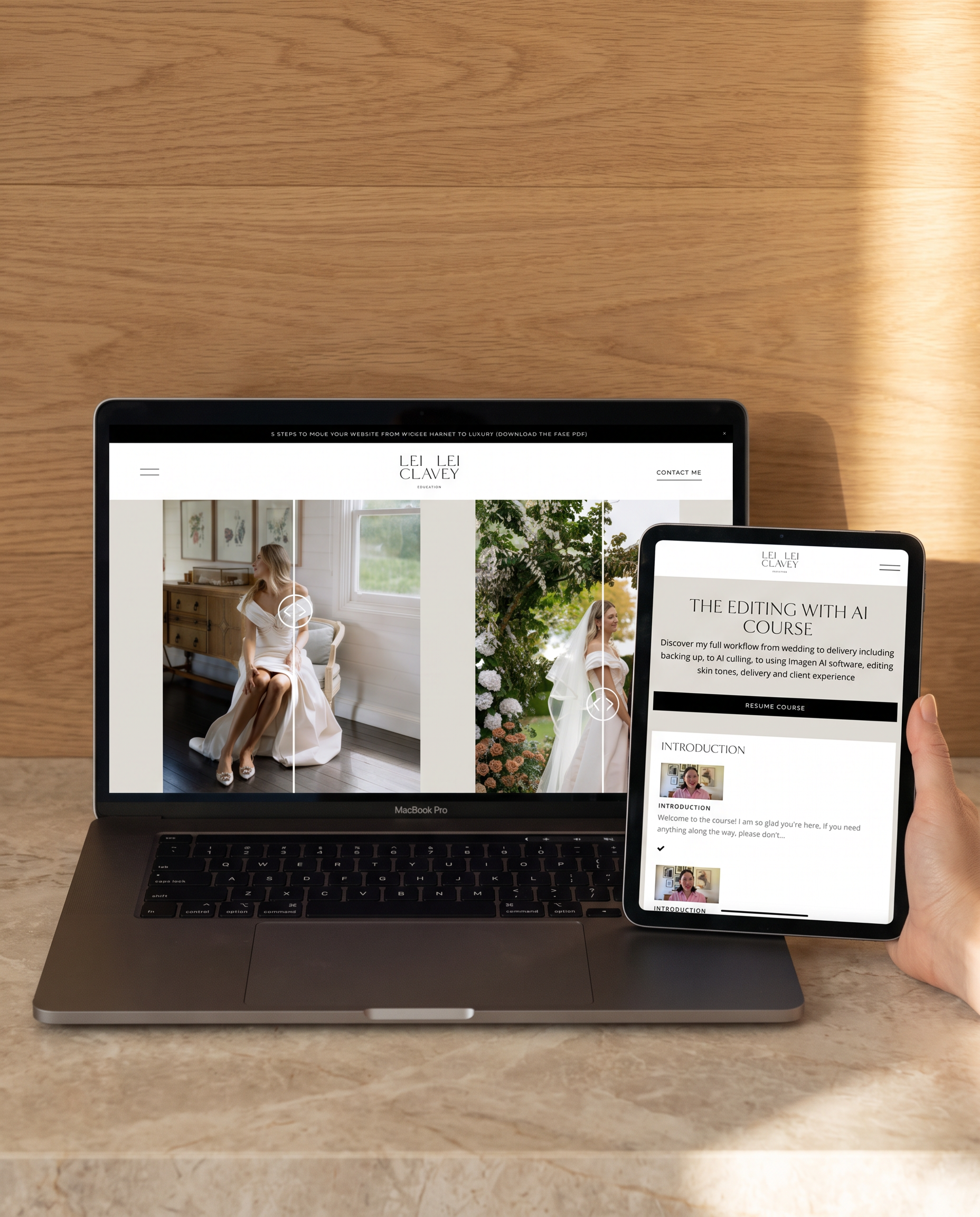
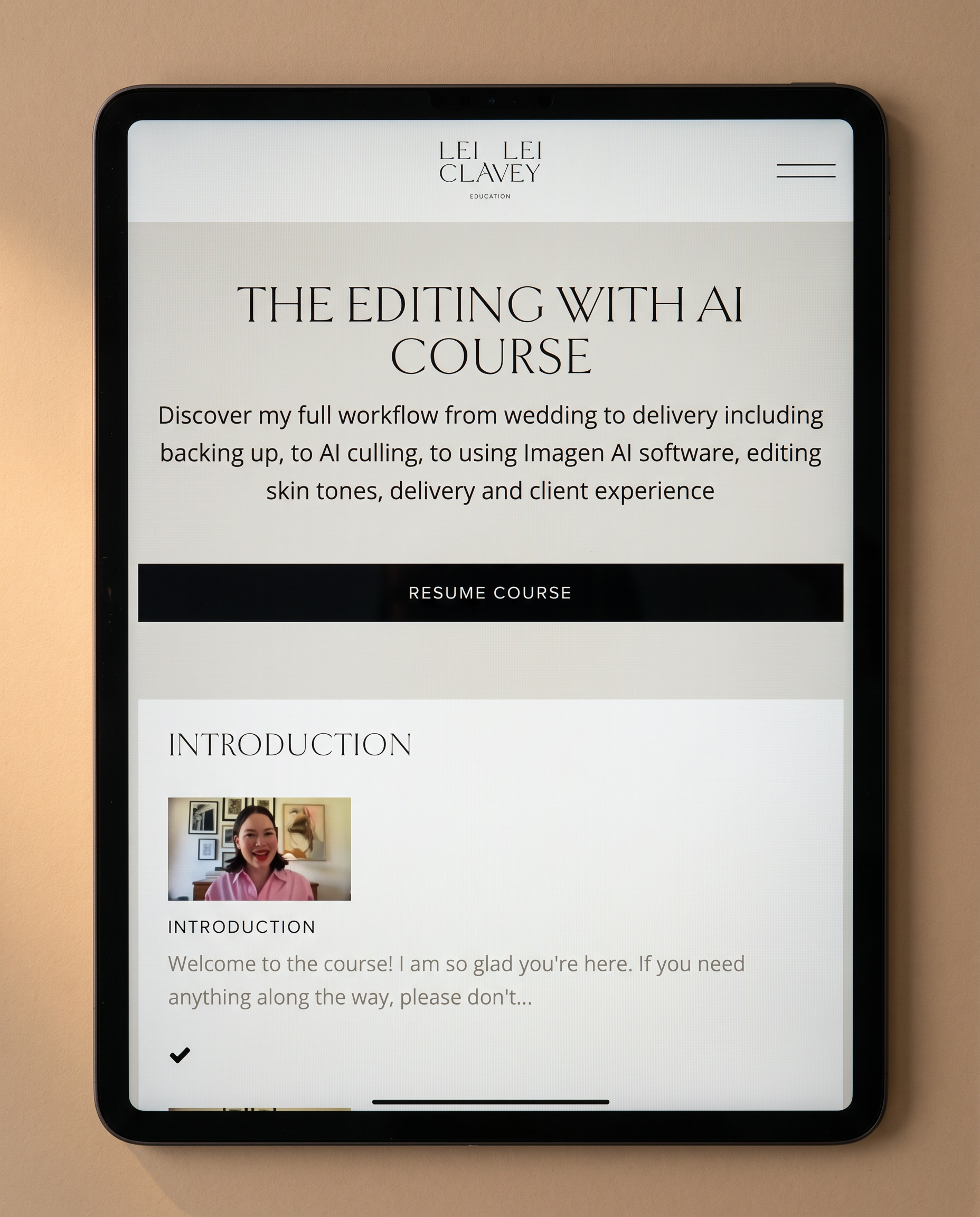
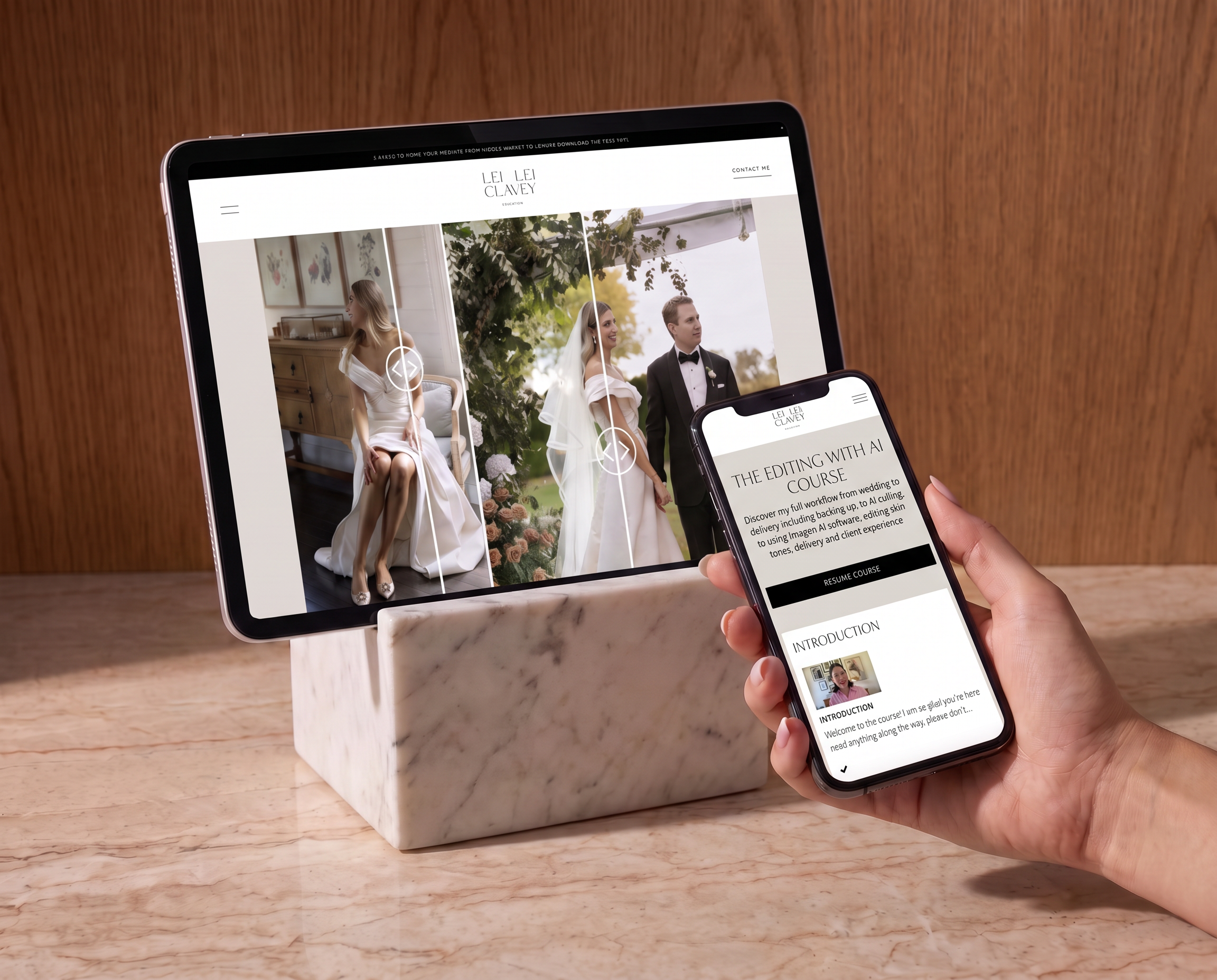
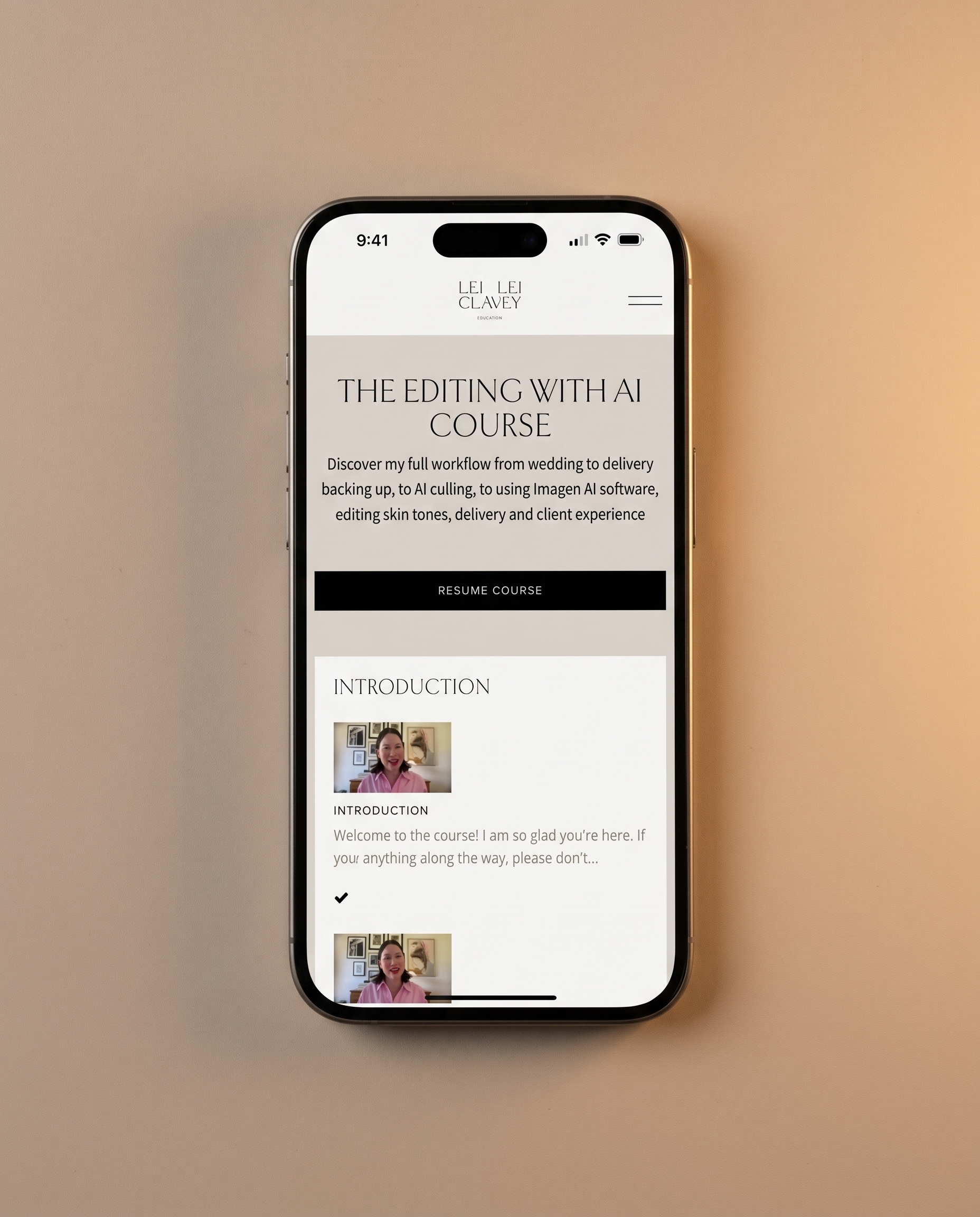
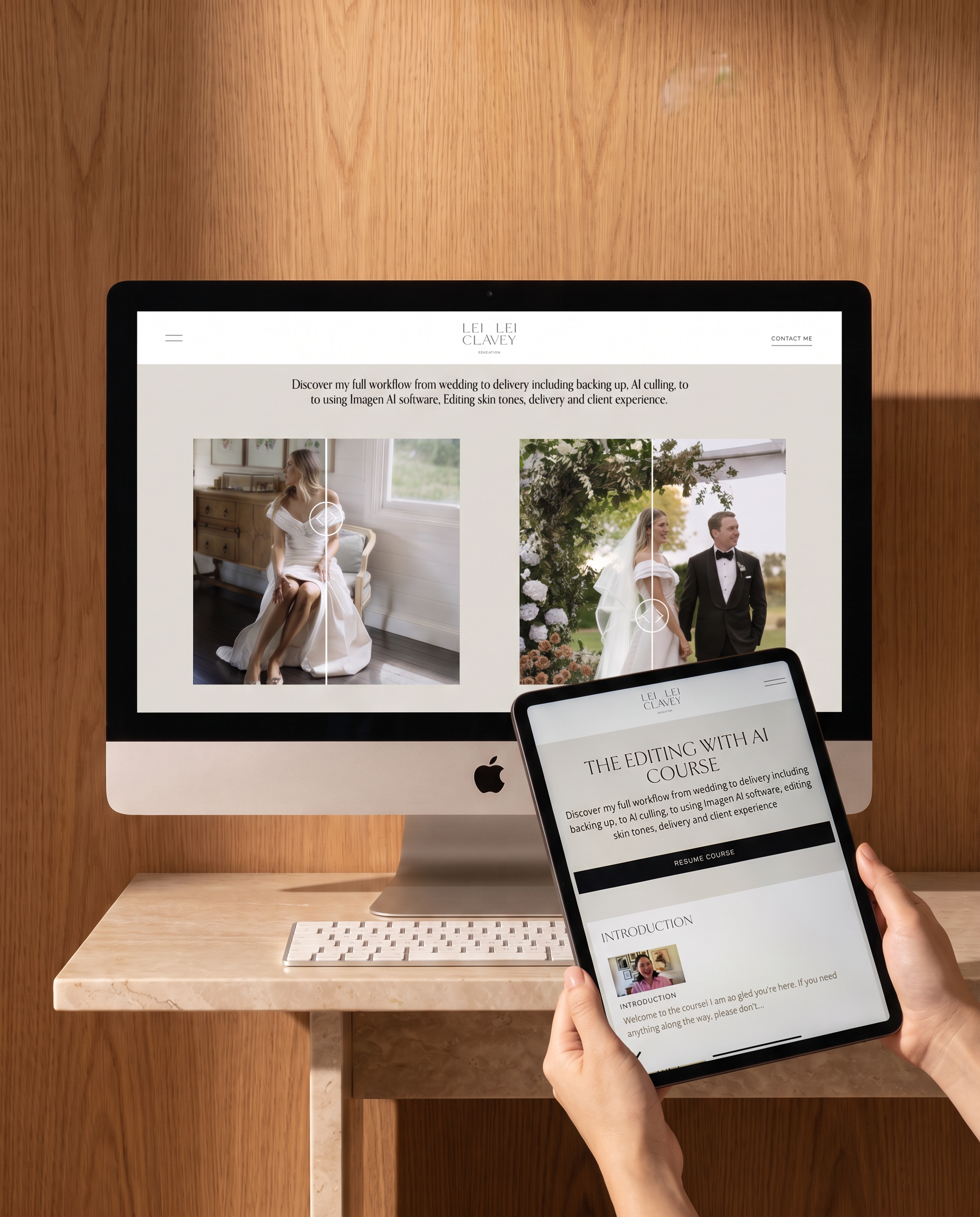
editing with ai course
$197
Price listed in USD and is exclusive of Sales Tax
Lifetime access · Watch, listen or read every lesson
You didn't start a photography business to spend every evening at a screen. The complete post-production workflow behind a 16-weddings-a-year editorial brand. From backup to delivery, built around AI so you spend less time at a screen and more time behind a lens.
-
If editing is eating your life, it isn't a you problem, it's a system problem. You're great at what you do; your galleries prove it. But culling swallows a day, editing takes your evenings, and colour drifts from one wedding to the next so every gallery feels like starting over. That's a business running on brute force, and brute force has a ceiling - you can only shoot as many weddings as you can bear to edit. This course hands you the system I use to take that ceiling away: deliver editorial-quality galleries in a fraction of the time, with a colour workflow you can repeat every single week.
-
End the editing marathon: a full backup-to-export workflow you run instead of a wall you hit
Get your colour and tones right every time, consistent, true skin tones across mixed light
Deliver like a premium brand: a considered hand-off through your online gallery and a branded landing page
Turn delivery into a better client experience: expectations, prints, packaging, albums, outsourcing
Put it to work immediately: plug-and-play email templates and resources
16 bite-sized lessons across 5 modules ~1 hour total · Video, audio and closed captions · Lifetime access to all content and future updates.
-
Module 1 · Full editing workflow: My complete process start to finish: backup strategy, AI culling, using my Imagen AI preset as a starting point, perfecting images in Lightroom, editing in black & white, and exporting. The backbone of the course.
Module 2 · Mastering skin tones and colour: Correcting skin tones, holding consistent, true-to-life tone across mixed lighting and how to retouch with the touch of a button using Evoto AI. The difference between a good edit and a gallery that feels editorial.
Module 3 · Delivery: Delivering galleries through Pic-Time, including a branded website landing page for each client. Deliver for a lasting impression.
Module 4 · Enhancing client experience: Delivery timelines, prints and packaging, introducing albums, and when to outsource. Your work hasn’t finished until that final touch point.
Module 5 · Resources: Email templates for delivery, turnaround and follow-up, plus the tools I use daily in post-production.
-
Photographers who have a solid body of work but an editing process that's eating their time. You're spending full evenings on a single gallery. Your colour grading is inconsistent across shoots. You know AI editing exists but you've been hesitant to trust it with your style. This course is for the photographer ready to overhaul their workflow, not learn the basics of Lightroom.
This is not a beginner's guide to editing. If you're still learning the fundamentals of exposure and colour theory, this will move too fast.
-
Photographers looking for a Lightroom basics course. This assumes a working knowledge of Lightroom and jumps straight into building a professional, AI-assisted workflow. The focus is on efficiency, consistency, and editorial quality, not learning the software from scratch.
-
Purchase gives you immediate access to the online learning platform with all 16 lessons are available from day one as well as access to my Imagen AI Profile. Each lesson is 2-15 minutes, designed to be implemented as you watch. Available in video, audio, and closed caption, watch during a lunch break, listen on the way to a shoot, or read through with a coffee. Lifetime access means you can revisit any module whenever you need to.
-
This course teaches you the workflow. If you'd rather start from my finished look, The Editing Freedom Kit pairs it with my Imagen AI Signature Profile and the signature Black & White Preset, my exact editing style, ready to load and make your own.
$627 USD — Save $119
-
How much time will this take?
Around an hour of total content across 16 lessons, most of which are 2-15 minutes long. The point is to save your time, not fill it, and the sooner you start implementing, the sooner you see results.What happens when I buy?
You'll receive a link to create your login on the online education platform, where every module, recording, caption and download lives. Lifetime access included.Do I need Imagen AI?
The course covers a workflow built around Imagen AI, but the editing principles, colour theory, delivery process, and client experience modules apply regardless of what tools you use. If you want the Imagen profile as well, it's available individually or as part of the Editing Freedom Kit bundle.What's the refund policy?
You have three months to go through everything. If for any reason it doesn't feel like the right investment, email the team for a full refund, no questions asked.Will I get lifetime access?
Yes. All content and any future updates are yours permanently.
shop bundled offers
Want the full system instead?
Most individual products are also available as part of a curated bundle, priced better together than apart. If you're thinking about more than one product, the bundles are probably where you want to be.